
The best end to end testing framework isn't the one with the longest feature list. It's the one that reduces your biggest delivery risk without creating a second system your team can't maintain. A browser-first product, a native mobile app, a service-heavy platform, and a mixed legacy stack need different answers.
Compare frameworks by platform coverage, debugging, execution speed, selector stability, API depth, language support, abstraction, and CI/CD fit. A fast browser runner may still leave native mobile coverage to another tool. A flexible standard may support every environment but require more engineering around waits, reporting, and diagnostics. A readable abstraction can help product and QA teams collaborate, but it can also hide the browser behavior engineers need to debug.
The list separates those trade-offs instead of declaring one universal winner. It also treats E2E coverage as an architecture problem. Keep service-level checks close to APIs, use browser and mobile tests for high-value user journeys, and design CI around fast feedback rather than running every test everywhere. That matters because framework adoption hasn't eliminated coverage gaps. A 2026 industry survey on E2E testing reported Selenium at 44% usage, while 56% of teams had fewer than half of critical user paths covered by E2E tests. The framework is only useful if it protects the journeys that can damage the business when they fail.
Table of Contents
- 1. Playwright
- 2. Cypress
- 3. Selenium
- 4. WebdriverIO
- 5. TestCafe
- 6. Appium
- 7. Robot Framework
- 8. Karate
- 9. CodeceptJS
- 10. Maestro
- Top 10 End-to-End Testing Frameworks Comparison
- Choose the Stack That Protects Critical Journeys
1. Playwright
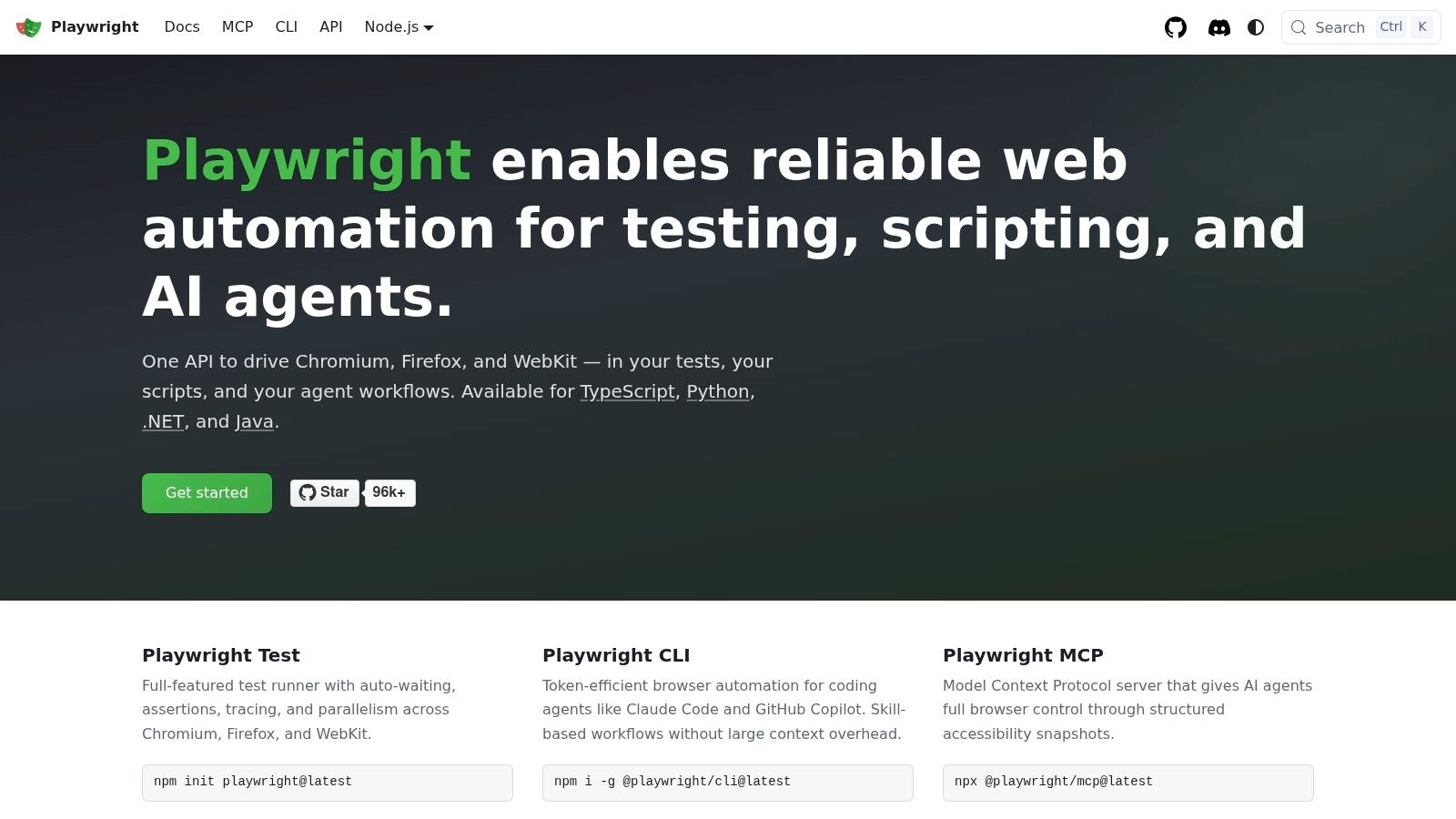
Playwright is the strongest default for a new browser E2E suite when the team wants broad browser coverage and a modern CI experience. It drives Chromium, Firefox, and WebKit through a consistent API, and supports TypeScript, JavaScript, Python, .NET, and Java. That makes it practical for teams choosing a browser engine without forcing every engineer into the same language.
The built-in runner handles parallel execution, sharding, automatic waiting, and web-first assertions. Its locators are designed around user-visible behavior rather than fragile implementation details. When a test fails, traces can combine screenshots, console output, network activity, and action history in one debugging view. That shortens the distance between “the test failed” and “this request returned the wrong state.”
Where Playwright creates friction
Playwright is browser-focused. A native iOS or Android app still needs Appium or another mobile framework, so a mobile-heavy organization shouldn't mistake excellent browser coverage for a complete product strategy. Its ecosystem is also newer than Selenium's, and teams with specialized internal tooling may need to build integrations rather than find an established add-on.
Use Playwright when browser stability, cross-browser confidence, and fast CI feedback matter more than preserving an existing WebDriver investment. Before committing, learn how to choose a test automation framework based on the application and delivery model, not on a generic framework ranking.
2. Cypress
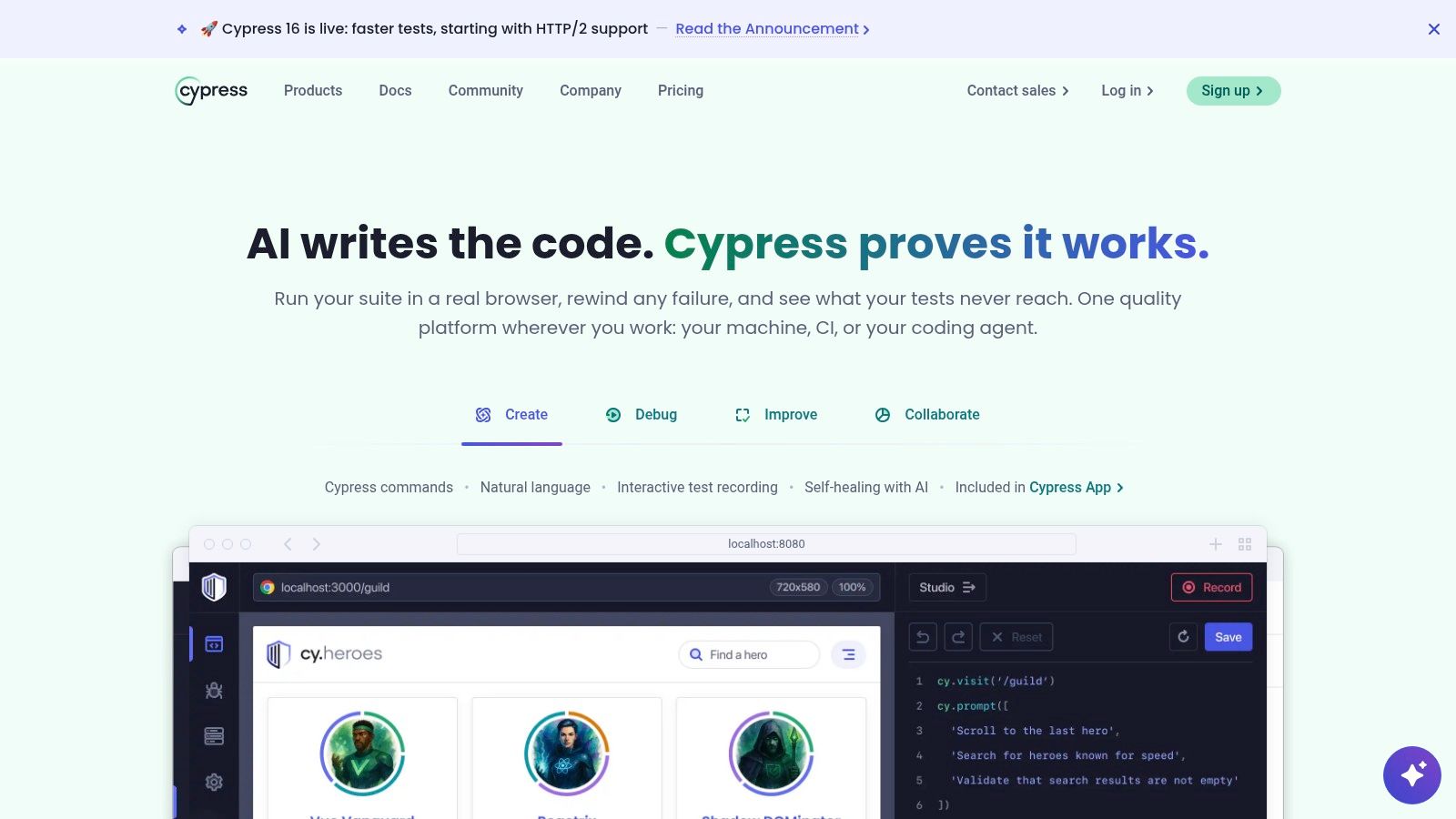
Cypress fits JavaScript and TypeScript teams that value a tight authoring and debugging loop. Its interactive runner shows commands, page state, snapshots, and errors in a way that makes local investigation approachable for developers who don't work in test code every day. Component testing also lets teams use the same general tool family below the full browser journey layer.
That developer experience is Cypress's practical advantage. A failing test is easier to inspect while writing it, and the in-browser runner provides immediate feedback without requiring engineers to assemble a separate debugging workflow. Cypress Cloud can add parallelization, load balancing, flake detection, analytics, visual review, and test replay for organizations that want hosted visibility into suite behavior.
Know the automation model
Cypress doesn't behave like a conventional WebDriver client. That difference is often an advantage for local feedback, but it can create friction when a team expects every browser, iframe, or cross-domain scenario to work like Selenium. Certain advanced browser interactions need workarounds, and native mobile applications require another tool.
Choose Cypress when the team is already productive in its model, when component testing matters, or when its local debugging experience will drive adoption. Don't choose it solely because the first test is easy to write. The important question is whether the same suite can provide stable diagnostics and the browser coverage your release policy requires.
3. Selenium
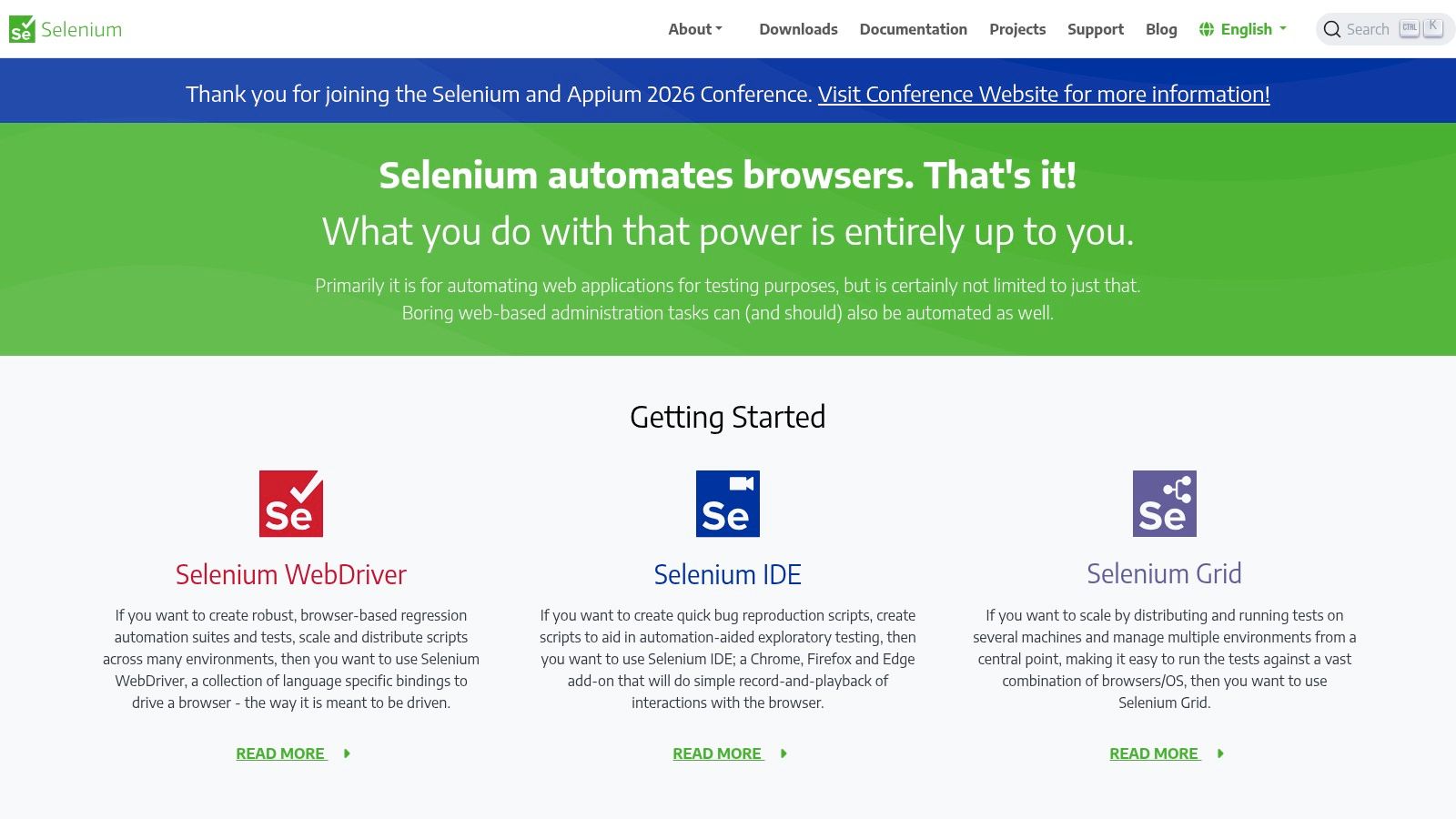
Selenium remains the most defensible choice for heterogeneous environments, established enterprise suites, and teams that need the reach of the WebDriver ecosystem. Selenium WebDriver became an official W3C standard in 2018, a milestone in cross-browser automation. Its history goes back to Selenium Core at ThoughtWorks in 2004, WebDriver in 2006, and the merger that formed Selenium 2.0 in July 2011, as documented in this history of the testing framework market.
The value isn't novelty. Selenium supports Java, JavaScript, Python, C#, Ruby, and other language bindings, while Selenium Grid distributes execution across browsers, operating systems, and remote machines. It also works with a broad range of browser and device cloud providers. That matters when a company has several engineering languages, legacy browser requirements, or a large existing grid.
The maintenance cost is real
Selenium gives teams control, but it doesn't provide as many batteries-included conveniences as newer runners. Automatic waiting, tracing, rich failure artifacts, and reporting often require helper libraries or internal conventions. Without those conventions, teams end up with timing workarounds, weak diagnostics, and suites that are hard to trust.
Practical rule: Keep a mature Selenium suite if it protects important environments reliably. Replace the parts that create risk, not the framework merely because a newer tool is easier to start.
Selenium makes sense when a rewrite would discard valuable coverage, when language flexibility is essential, or when Grid and vendor compatibility are central requirements. For a new browser-only project, compare its setup burden against Playwright or Cypress before standardizing.
4. WebdriverIO
WebdriverIO is a versatile option for teams that want web and mobile automation in a JavaScript or TypeScript-centered stack. It can use both WebDriver and DevTools protocols, and its Appium integration makes it possible to keep browser and native mobile work within one broader toolchain. That doesn't remove mobile environment complexity, but it reduces the number of unrelated test conventions engineers need to learn.
The framework's strength is extensibility. Reporters, services, plugins, and integrations can support visual checks, performance-oriented workflows, grids, and cloud execution. Strong TypeScript support also suits teams that want typed page objects, shared utilities, and application code patterns in the same language.
Decide how much flexibility you need
The choice between WebDriver and DevTools can be useful, but it adds an architectural decision to every project. Plugin-driven capabilities can also create configuration overhead. A team may spend more time aligning services, reporters, versions, and execution backends than it expected from an all-in-one JavaScript stack.
WebdriverIO is a good fit when mobile and web belong to the same quality engineering group, when TypeScript is already standard, and when the team benefits from a broad plugin model. It is less attractive when the organization needs a minimal browser runner or when multiple non-JavaScript teams must contribute directly to the suite.
5. TestCafe
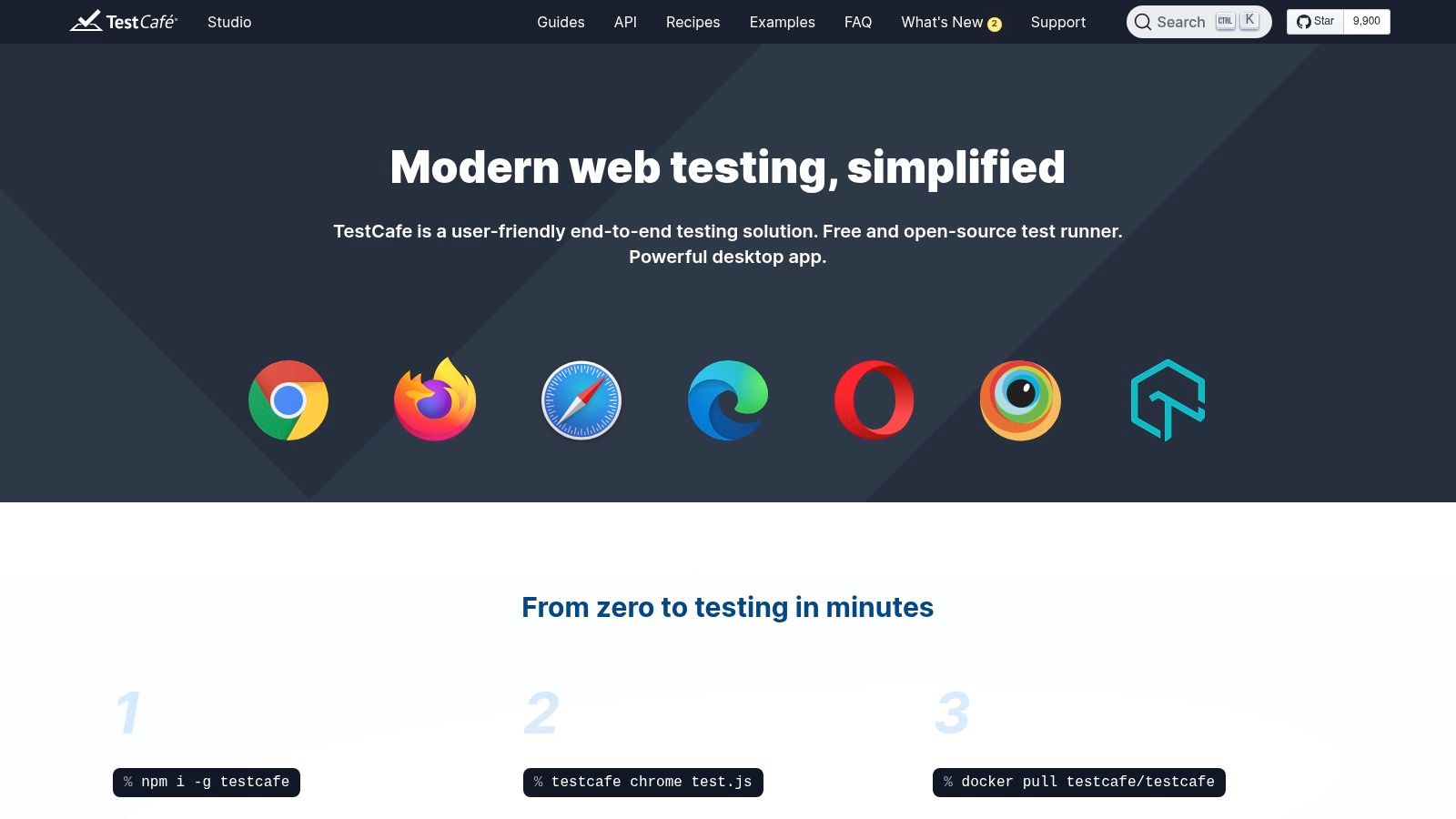
TestCafe is designed to reduce setup friction for teams that want Node.js-based browser tests without a Selenium or WebDriver dependency. Its automatic waiting and straightforward configuration make it approachable for a small team that needs useful browser coverage without first building a browser grid or a large support layer.
The optional TestCafe Studio adds visual authoring and record/playback workflows, while TestCafe Dashboard can provide parallel execution, logs, history, and flake detection. Those products can help teams with limited automation experience turn manual flows into an initial suite, provided the generated tests are reviewed rather than accepted unchanged.
Avoid recorder-led maintenance
TestCafe's ecosystem is smaller than the ecosystems around Playwright, Cypress, and Selenium. Advanced browser scenarios may need custom handling, and recorded selectors often need cleanup before they become durable test assets. A recorder can capture what happened once. It doesn't understand which part of the DOM is a stable product contract.
Use TestCafe when rapid onboarding and simple browser automation are the priority, especially for a JavaScript team that benefits from Studio or Dashboard. Establish selector rules, code review, and failure triage early. Otherwise, the low entry cost can become a maintenance bill when the interface changes.
6. Appium
Appium is the most relevant choice in this list when native mobile behavior is the primary delivery risk. It automates native, hybrid, and mobile web applications on iOS and Android through the WebDriver model. Official drivers include XCUITest for iOS and UiAutomator2 or Espresso for Android, with additional community and partner drivers available through its ecosystem.
That breadth lets teams run against local devices, simulators, emulators, and device cloud providers. Existing Selenium and WebDriver skills can transfer, which is useful for organizations that already operate browser automation and want shared concepts across web and mobile.
Mobile depth brings environment work
Appium doesn't make device testing simple by itself. Provisioning signing identities, installing builds, managing permissions, selecting device versions, and diagnosing platform-specific behavior all remain engineering concerns. Stability also depends on the app's synchronization behavior and the quality of the device lab.
Teams building a mobile automation strategy should plan mobile app testing automation around device coverage, app state, test data, and artifact collection, not just test syntax. Appium fits when native controls, deep platform behavior, or existing WebDriver investment matter. For fast, human-readable mobile smoke flows, Maestro may create less initial friction.
7. Robot Framework
Robot Framework takes a keyword-driven approach to acceptance automation. Tests can use readable text formats, while reusable keywords hide implementation details behind business-oriented actions such as creating an account, submitting an order, or validating a response. That makes it useful for mixed-skill teams where QA, product, and technical stakeholders need to discuss scenarios together.
Its library ecosystem extends across web, APIs, desktop automation, RPA, Selenium, Playwright, and Appium. The framework can therefore sit above different execution engines instead of forcing an organization to expose every low-level driver detail to every contributor.
Abstraction needs governance
Readable keywords don't automatically produce maintainable automation. If every team invents slightly different keywords for the same action, the suite develops keyword sprawl. When a test fails, the abstraction can also obscure the browser or API operation that broke, making diagnosis slower than in a code-first framework.
A readable test is valuable only when its underlying keywords remain small, stable, and observable.
Robot Framework works well for broad acceptance flows, RPA-style processes, and teams that need a common layer over multiple backends. Define ownership, naming, logging, and escape hatches to the underlying library before the suite grows. Guidance on reusable software testing scripts and templates can help teams keep that layer consistent.
8. Karate
Karate is especially useful for API-first programs that also need selected browser journeys. Its DSL covers REST, GraphQL, SOAP, mocks, data-driven tests, performance checks, and web UI, with the UI layer using Playwright underneath. That combination can reduce the number of separate test languages in a microservices organization.
The framework's biggest practical benefit is proximity to service behavior. Teams can validate API contracts and data transformations without opening a browser, then use a smaller set of UI flows to prove that critical user actions connect those services correctly. Parallel execution and built-in assertions also suit CI pipelines that need broad service regression without turning every check into a browser test.
Keep the UI boundary deliberate
Karate's Java and JVM dependency may not suit every team. Its API capabilities are more established than its browser layer, so advanced browser behavior may still require Playwright knowledge and direct browser-level troubleshooting. A single DSL reduces stack count, but it doesn't remove the need to understand the systems underneath.
Choose Karate when API coverage is central, services need data-driven regression, and the organization is comfortable with the JVM. Don't use its unified surface as a reason to put every test at the UI layer. The scalable design keeps most service checks near service boundaries and reserves browser flows for business-critical outcomes.
9. CodeceptJS
CodeceptJS organizes E2E tests around readable scenarios. Its high-level API can run on Playwright, WebDriver, Puppeteer, or Appium, allowing teams to change or combine execution backends without rewriting every business step. Page Objects, helpers, generators, retries, step output, and reporting integrations support a structured authoring workflow.
That portability is useful when a company has more than one delivery surface. A product team can describe a purchase or onboarding journey in scenario language, while the automation team chooses the underlying driver that best matches the platform. The format also supports collaboration with people who need to review behavior without reading every browser command.
Portability has a boundary
A common API cannot erase differences between engines. WebDriver timing, Playwright contexts, Puppeteer behavior, and Appium device states still have different failure modes. The abstraction can hide those details until a test fails in CI, at which point engineers must understand both CodeceptJS and the selected backend.
CodeceptJS fits teams that value scenario readability and want flexibility across drivers. Keep helpers close to real business actions, expose useful engine logs, and avoid pretending that every backend supports identical behavior. Its smaller community than Playwright or Cypress also means the team should be prepared to own more of its conventions.
10. Maestro
Maestro is built for low-friction mobile UI automation. Its YAML flows are readable, quick to author, and suitable for teams that need a fast local feedback loop without writing a large amount of test code. Maestro Studio and Viewer support local authoring and debugging, while its hosted device cloud provides parallel execution, logs, videos, and flake detection.
The tool is a natural fit for mobile smoke coverage around journeys such as sign-in, onboarding, and a core transaction. Its CLI and CI integrations let teams report flow status back to pull requests or merge requests, so mobile regressions can become visible during delivery rather than after a manual release pass. MCP integrations also support agentic and AI-oriented workflows.
Keep mobile scope honest
Maestro is primarily a mobile UI tool. Advanced native features, platform-specific setup, and the device matrix still require deliberate engineering. Real-device coverage also depends on the selected cloud offering and its supported environments, so teams should verify that the needed devices and operating system combinations are available before building a release gate around them.
Use Maestro for fast, human-readable mobile flows and reliable cloud artifacts. Pair it with API and service checks, and use Appium when deeper native control or an existing WebDriver ecosystem is the stronger requirement. No mobile framework can compensate for unstable test data or an environment that doesn't reproduce the release conditions.
Top 10 End-to-End Testing Frameworks Comparison
| Tool | Core focus / capabilities | Quality (★) | Value / Price (💰) | Target / USP (👥 ✨ / 🏆) |
|---|---|---|---|---|
| Playwright (Microsoft) | Cross‑browser E2E (Chromium/Firefox/WebKit), parallelism, tracing, multi‑lang | ★★★★★ | 💰 Free OSS | 👥 Web & enterprise teams, ✨ cross‑browser parity, traces, multi‑lang, AI integrations 🏆 |
| Cypress | JS‑centric E2E & component testing, in‑browser runner, time‑travel debug | ★★★★☆ | 💰 Free OSS + Cypress Cloud (paid) | 👥 JavaScript frontend teams, ✨ instant local DX, cloud analytics 🏆 |
| Selenium (WebDriver + Grid) | W3C WebDriver standard, Grid for distributed cross‑browser/OS runs | ★★★★☆ | 💰 Free OSS (infra costs) | 👥 Heterogeneous/legacy stacks, ✨ widest ecosystem & vendor integrations 🏆 |
| WebdriverIO | Node.js runner supporting WebDriver & DevTools, strong Appium integration | ★★★★☆ | 💰 Free OSS | 👥 JS teams needing web + mobile, ✨ plugins/services, TypeScript support |
| TestCafe (+Studio/Dashboard) | Web E2E without WebDriver, auto‑wait, parallel runs, optional Studio/Dashboard | ★★★☆☆ | 💰 Free OSS + commercial Studio/Dashboard | 👥 JS teams & non‑experts, ✨ easy setup, record/playback & SaaS dashboard |
| Appium (Mobile E2E) | Native/hybrid/web mobile automation via platform drivers (XCUITest, UiAutomator) | ★★★★☆ | 💰 Free OSS (device/cloud costs) | 👥 Mobile teams, ✨ official drivers & device cloud integrations 🏆 |
| Robot Framework | Keyword‑driven acceptance/RPA with libraries (Selenium/Playwright/Appium) | ★★★☆☆ | 💰 Free OSS | 👥 Mixed‑skill teams & acceptance testing, ✨ readable keywords, large library ecosystem |
| Karate | Unified DSL for API (REST/GraphQL), UI (Playwright), mocks, perf & parallelism | ★★★★☆ | 💰 Free OSS + Enterprise (AI agents) | 👥 API/microservices teams, ✨ single DSL for API+UI, built‑in parallelism |
| CodeceptJS | Scenario/BDD‑style Node.js E2E with multiple backends (Playwright/WebDriver/Appium) | ★★★☆☆ | 💰 Free OSS | 👥 QA/product collaboration, ✨ high‑level readable API, portable across engines |
| Maestro (mobile UI E2E) | YAML‑driven mobile UI tests, Studio, CLI & hosted device cloud with artifacts | ★★★☆☆ | 💰 Free OSS + hosted cloud plans | 👥 Mobile‑first teams, ✨ human‑readable YAML flows, Studio & predictable cloud parallelism |
Choose the Stack That Protects Critical Journeys
Start with the application, not the framework brand. For a browser-first product starting from scratch, Playwright is a strong default when cross-browser execution, traces, parallelism, and multiple language bindings matter. Cypress can be the better operational choice when a JavaScript team already works effectively in its runner and values local debugging above broad execution flexibility. Selenium remains appropriate for established suites, legacy environments, language diversity, and large Grid or vendor integrations.
Mobile changes the decision. Appium is the deeper option for native, hybrid, and platform-specific behavior. Maestro is better suited to fast, readable mobile UI flows and a low-friction cloud workflow. WebdriverIO can work when one JavaScript and TypeScript-oriented group owns both web and mobile automation and wants a configurable plugin ecosystem.
API architecture should also shape the stack. Karate is useful when API, mock, data-driven, and selected UI coverage belong in one JVM-friendly DSL. Robot Framework can give mixed-skill teams a readable acceptance layer, while CodeceptJS provides scenario-level abstraction across several execution engines. These abstractions are helpful only when teams expose enough logs and backend detail to diagnose failures.
Keep API checks close to service boundaries. Use integration and contract checks to isolate service behavior, then reserve browser and mobile E2E tests for high-signal business journeys such as authentication, a core workflow, a critical account action, or a transaction. A browser test should prove that the customer can complete the outcome, not repeat every validation already covered below the UI.
CI/CD needs the same discipline. Run a small smoke group on pull requests, then run deeper regression coverage on merges, scheduled builds, or release candidates. Parallelize where the environment can support it, capture traces, screenshots, videos, logs, and network evidence, and quarantine or repair unreliable tests instead of allowing repeated noise to weaken trust. The maintenance problem is significant. Bitrise data cited in recent test automation coverage showed mobile teams experiencing test flakiness rising from 10% in 2022 to 26% in 2025 across more than 10 million mobile CI builds. The lesson is operational, not promotional. Reliability deserves its own ownership.
A layered combination is often more scalable than forcing one framework to handle browser, native mobile, APIs, and every team language. Mixed stacks do add dependency and maintenance cost, so define clear boundaries, shared test data rules, common reporting, and one release-readiness view. Recent coverage of E2E testing tools notes the shift toward teams running multiple frameworks and AI-assisted testing models. That makes governance more important, especially when generated tests need review, stable assertions, and ownership.
AskYourQA is one relevant option for mapping business-critical flows, designing the automation architecture, and integrating high-signal frontend, backend, API, and mobile coverage into CI/CD. The useful question isn't whether a consultancy can add more tests. It's whether the resulting system gives engineers fast, actionable feedback on the journeys that matter most.
AskYourQA designs and implements test automation systems across frontend, backend, APIs, and mobile, with CI/CD integration and coverage focused on critical user journeys. Visit AskYourQA to discuss a maintainable end to end testing framework strategy for your product.