
78% of respondents worldwide said unit testing was their main test type in 2024, compared with 63% for integration testing. That makes unit tests the default base layer in most delivery pipelines, while functional tests prove the complete user workflow still works.
| Test type | What it proves | Where it fits |
|---|---|---|
| Unit tests | Small pieces of code behave correctly in isolation | Fast feedback at the code level |
| Functional tests | The application meets requirements through real user flows | Broader validation near release |
When teams debate functional tests vs unit tests, the choice isn't either-or. The better question is how much risk each layer should carry, and how much maintenance your team can afford for every extra check.
Table of Contents
- Understanding Functional Tests and Unit Tests
- Side-By-Side Comparison - Speed, Cost, and Reliability
- Real-World Examples of Each Test Type
- The Testing Pyramid - Where Each Test Belongs
- Balancing Both Tests in CI/CD Pipelines
- Making the Right Choice for Your Project
Understanding Functional Tests and Unit Tests
Unit testing has been part of software engineering for decades, long before modern CI pipelines made it routine. Early component-level validation was described in the SAGE project in 1956, a similar unit-test style appeared in the Mercury project in 1964, and by 1969 testing had become more structured with unit, component, and integration tests used before assembly (unit tests history). That history matters because the practice did not emerge as a trend, it came from teams that needed fast feedback on complex systems.
Unit tests verify a limited piece of code in isolation. They answer a narrow question, does this function, class, or method return the right result for the inputs I gave it? Functional tests check whether the application's features work as expected from the requirements level, usually by exercising a full user journey end to end.
In code review and test-planning discussions, teams often frame unit and functional tests as competing choices. That habit leads to gaps, either logic defects slip through or workflow defects do. The better split is to assign each layer the risk it can catch best.
The global usage data lines up with that division. In 2024, 78% of respondents said unit testing was the main type they used, versus 63% for integration testing (Statista test-type usage data). That gap fits how teams ship software, unit tests create the broad base of verification, and functional tests sit on top to confirm business behavior.
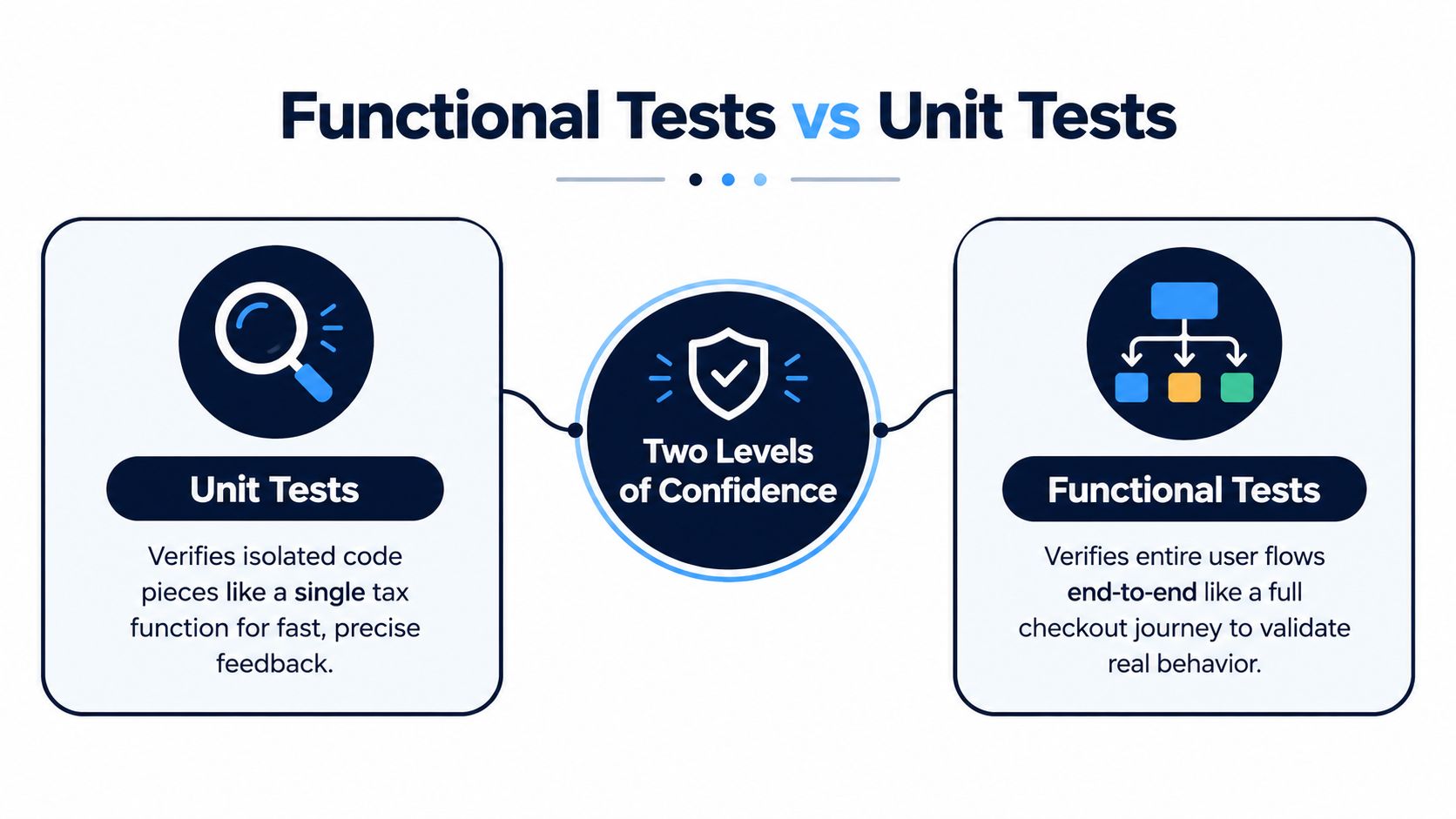
Practical rule: if the failure can be diagnosed by reading one function, unit tests should catch it. If the failure only makes sense when a user clicks through the product, functional tests are the right net.
Modern teams are also trimming oversized end-to-end suites and keeping fewer, higher-signal functional checks near the business-critical paths. That is why functional test automation guidance matters, it helps teams automate the flows that carry the most release risk without turning the suite into maintenance debt.
Side-By-Side Comparison - Speed, Cost, and Reliability
The fastest way to separate these test types is to compare them on the things that hurt teams most in practice. Speed, environment dependence, maintenance cost, and reliability all shape whether a suite helps your release process or slows it down.
How they behave in day-to-day work
Unit tests are optimized for fast, isolated defect detection at the code level, and they usually need very little setup. Functional tests run in production-like conditions, so they depend on more moving parts and usually take longer to execute (Simform benchmark). That difference is why unit suites can support rapid local feedback, while functional suites are better reserved for higher-value flows.
The cost side matters too. A literature survey on defect-detection economics reports estimated effort of 0.50 h/fp for unit tests versus 0.75 h/fp for function tests, with 1.00 h/fp for system tests and 0.50 h/fp for field tests (arXiv survey). The precise numbers are less important than the pattern, function-level testing costs more to implement and maintain than unit-level testing.
| Criterion | Unit Tests | Functional Tests |
|---|---|---|
| Speed | Usually faster because they run on small isolated code paths | Slower because they depend on integrated systems and real dependencies |
| Environment dependency | Low, since they avoid external services and broad setup | Higher, since they need a more complete application stack |
| Maintenance cost | Lower, because failures are usually scoped to one code unit | Higher, because UI, API, and data changes can all affect them |
| Reliability signal | Excellent for pinpointing logic defects | Better for confirming user-facing behavior and requirement fit |
What breaks first
Unit suites usually fail in obvious places. A wrong branch, a bad boundary condition, or a null handling bug gets exposed quickly. Functional suites fail for broader reasons, including integration drift, miswired configuration, and broken user flows.
The most expensive test is the one that runs late, breaks often, and tells you very little about where the problem lives.
That's why mature teams don't ask which type is stronger. They ask which type gives the clearest signal for the cheapest upkeep. If the answer is “functional tests for everything,” the team usually ends up with slow feedback and brittle maintenance. If the answer is “unit tests only,” they often miss workflow-level defects until too late.
Real-World Examples of Each Test Type
A tax calculation is a good unit-test example because the logic is narrow and deterministic. Suppose the function takes a price and a tax rate, then returns the total. A unit test can check the standard case, a zero value, and a boundary case without touching a database, payment service, or browser.
The point isn't just that the test is small. The point is that it isolates the calculation so a developer can tell instantly whether the bug lives in the arithmetic or somewhere else. That kind of feedback is hard to beat when the team is refactoring code under time pressure.
A simple unit-test example
If a function calculates tax from input parameters, the test can focus on the inputs and outputs alone:
- Standard inputs: confirm the total is correct for a normal purchase.
- Edge cases: check zero, empty, or invalid values.
- Behavioral change: verify the function still returns the same result after a refactor.
That gives fast, local confidence. It also reduces the chance that a failing test is caused by some unrelated system dependency.
Functional testing looks very different. A checkout flow might start with a user adding an item to the cart, proceed through shipping details and payment, and end with an order confirmation. That single test touches frontend behavior, backend processing, APIs, and the database. It's slower, but it tells you whether the product works the way a buyer experiences it.

Why the distinction matters in practice
A unit test can pass while the checkout flow still fails. A price function might be correct, but the cart page could send the wrong payload, the payment API might reject the request, or the confirmation screen might never render. Functional tests catch that kind of mismatch because they exercise the system the way the business uses it.
That's why teams should write unit tests for rules and calculations, then functional tests for journeys that matter to customers. The two layers answer different questions, and both questions matter before release.
The Testing Pyramid - Where Each Test Belongs
A healthy test strategy usually looks like a pyramid, not a rectangle. The widest layer sits at the bottom because that's where you want the most coverage, the fastest feedback, and the lowest maintenance burden.
Base first, top last
Unit tests belong at the base. They cover the largest volume of code paths, which is exactly what you want when you need quick answers after every change. Integration tests sit in the middle and verify that modules connect correctly. Functional tests sit near the top and focus on the smallest set of critical journeys that prove the product works for users.
Many teams get the balance wrong. If functional tests become the main safety net, the suite gets slower and more fragile. If unit tests are the only layer, you can end up with clean internals and broken business flows.
Practical rule: let the base grow wide for stability, then keep the top narrow enough that you can still trust the result before release.
The pyramid model also helps explain why integration tests matter. They catch mistakes that are too broad for a unit test, but too specific to justify a full user journey. That makes them a useful bridge between code-level confidence and business-level confidence.
For more on the framework side of that bridge, see end-to-end testing frameworks.
The best teams don't try to flatten the pyramid. They keep the bottom wide, use the middle to catch interface problems, and reserve the top for the business flows that would hurt most if they broke.
Balancing Both Tests in CI/CD Pipelines
The cleanest CI/CD setup runs tests in layers, not all at once. Unit tests should run on every commit because developers need immediate feedback while the change is still fresh. Functional tests should run later, on staging, on pull requests for critical flows, or on a scheduled cadence that fits the release rhythm.
A practical pipeline split
The 2025 testing trend view frames unit tests as the fastest feedback layer for business logic and edge cases, while functional testing belongs to business-facing validation of critical user journeys (2025 testing trends). That's a useful way to think about pipeline design because it turns the testing problem into risk partitioning, not a binary choice.
A solid CI/CD split usually looks like this:
- Commit stage: run unit tests first so developers catch logic bugs early.
- Build stage: run a focused subset of integration checks where service boundaries matter.
- Staging or nightly stage: run functional tests on the journeys that protect revenue, sign-up, checkout, login, or any other high-value path.
- Pre-release gate: require both fast checks and high-signal functional flows before deployment.
The key is restraint. Oversized functional suites add maintenance and execution cost without giving you proportionate signal. Teams get better results from a smaller set of reliable user journeys than from a sprawling checklist that fails for every minor UI change.
Keep the signal high
Parallel workstreams help here. One branch can evolve test architecture, another can add journey coverage, and a third can wire reporting into the pipeline. That separation keeps the release path moving while the suite grows.
A useful test suite doesn't try to prove everything. It tries to fail quickly on the things that matter most.
If you're building this from scratch, AskYourQA is one option for mapping critical user journeys and wiring functional automation into CI/CD, especially when the goal is fewer, higher-signal checks rather than a noisy pile of scripts. The broader point still stands, though, the pipeline should reward speed at the bottom and confidence at the top.
For pipeline planning details, see CI/CD pipeline guidance.
Making the Right Choice for Your Project
The right balance depends on what can break, how often you ship, and how expensive a bad release would be. Small teams with frequent deployments usually gain the most benefit from a strong unit-test base and a tight set of functional checks on the flows that matter most. Larger enterprises often need broader functional coverage because they deal with compliance, multiple integrations, and more points of failure.
A decision framework that actually works
Start with the business journey, not the test tool. If a defect would block signup, checkout, payment, or access to a critical feature, that flow deserves functional coverage. If the risk is contained inside a calculation, transformation, or branching rule, a unit test is usually the better first line of defense.
Use these questions to decide what belongs where:
- How isolated is the logic? If one function can be tested without external systems, unit testing should lead.
- How visible is the failure to users? If the user would notice immediately, add functional coverage.
- How expensive is maintenance? If a test breaks every time the UI shifts, it may be too high in the stack for that behavior.
- How often do you release? Faster release cycles need more unit coverage because the feedback loop has to stay tight.
- Which journeys are revenue-critical or compliance-sensitive? Those deserve the most reliable end-to-end checks.
A practical rule of thumb
For startups and scale-ups, prioritize unit tests for speed and use functional tests only for the most important customer paths. For larger organizations, widen the functional layer carefully around regulated workflows, complex integrations, and releases with high blast radius. In both cases, keep the functional suite selective so it stays readable, stable, and worth running.
The biggest mistake is treating functional tests as a substitute for unit tests. They're not. Functional tests tell you the system works from the outside, but they're too expensive to be your only safety net. Unit tests give you the low-cost, high-frequency feedback that keeps development moving.
If you're reviewing your own stack, use this checklist before you add another test:
- Does this test catch a business risk that a unit test can't?
- Will the failure signal be clear enough to act on quickly?
- Does the test protect a user journey that matters at release time?
- Will the maintenance cost stay reasonable when the product changes?
- Can this coverage live in CI/CD without slowing the team down?
Get those answers right, and the choice between functional tests vs unit tests stops being ideological. It becomes a practical decision about where to spend your testing budget for the highest return.
If you're trying to tighten that balance, AskYourQA can map your critical journeys, build the automation layer, and connect it to your release pipeline so you get high-signal feedback before deploys. Visit AskYourQA to see how a functional automation system fits around your unit-test base and your CI/CD flow.