
There's no universal best choice: Allure Report is the strongest starting point for lightweight, self-hosted artifacts, ReportPortal.io fits centralized open-source triage, and Datadog CI Visibility is best when test reporting should connect with existing observability data. Choose based on how your team runs CI, shares test results, and handles administration, not on the length of a feature list.
Thousands of automated results can land in a CI pipeline without telling engineers whether a release is safe. A pass/fail total won't reliably separate a product regression from flaky infrastructure, show whether recurring failures are getting fixed, or explain which customer journeys are at risk.
That's why the best test automation reporting tools turn raw results into evidence teams can use. Reporting matters because flaky tests can produce inconsistent outcomes without a relevant code change, and a large-scale study identified 9,568 flaky tests across 6,356 Java and Python projects. The study of automated test generation helps explain why a green build needs context, including execution history and rerun outcomes.
The tools below follow practical adoption paths: static reports, centralized TestOps, test-management systems, Jira-based reporting, enterprise governance, and observability integrations. Pick the path that fits your framework mix, infrastructure, reporting maturity, and willingness to operate another platform.
Table of Contents
- 1. Allure Report
- 2. Allure TestOps
- 3. ReportPortal.io
- 4. ExtentReports
- 5. TestRail
- 6. Tricentis qTest
- 7. Xray, Test Management for Jira
- 8. SmartBear Zephyr
- 9. Katalon TestOps
- 10. Datadog CI Visibility, Test Visibility
- Top 10 Test Automation Reporting Tools: Feature Comparison
- Choose Reporting That Improves the Next Release
1. Allure Report
Allure Report is the right starting point when your team wants clear, shareable CI reports without adopting a full test-management system. It turns results from UI, API, and mobile tests into interactive HTML reports, making it useful for teams with different frameworks that need a common way to review runs.
Reports can surface suites, timelines, retries, flaky tests, and historical trends. Teams can attach screenshots, logs, and videos, then publish the output as a CI artifact or through their own hosting setup. Generators and integrations support common build and CI workflows, while customizable sections let teams choose what evidence appears in the report.
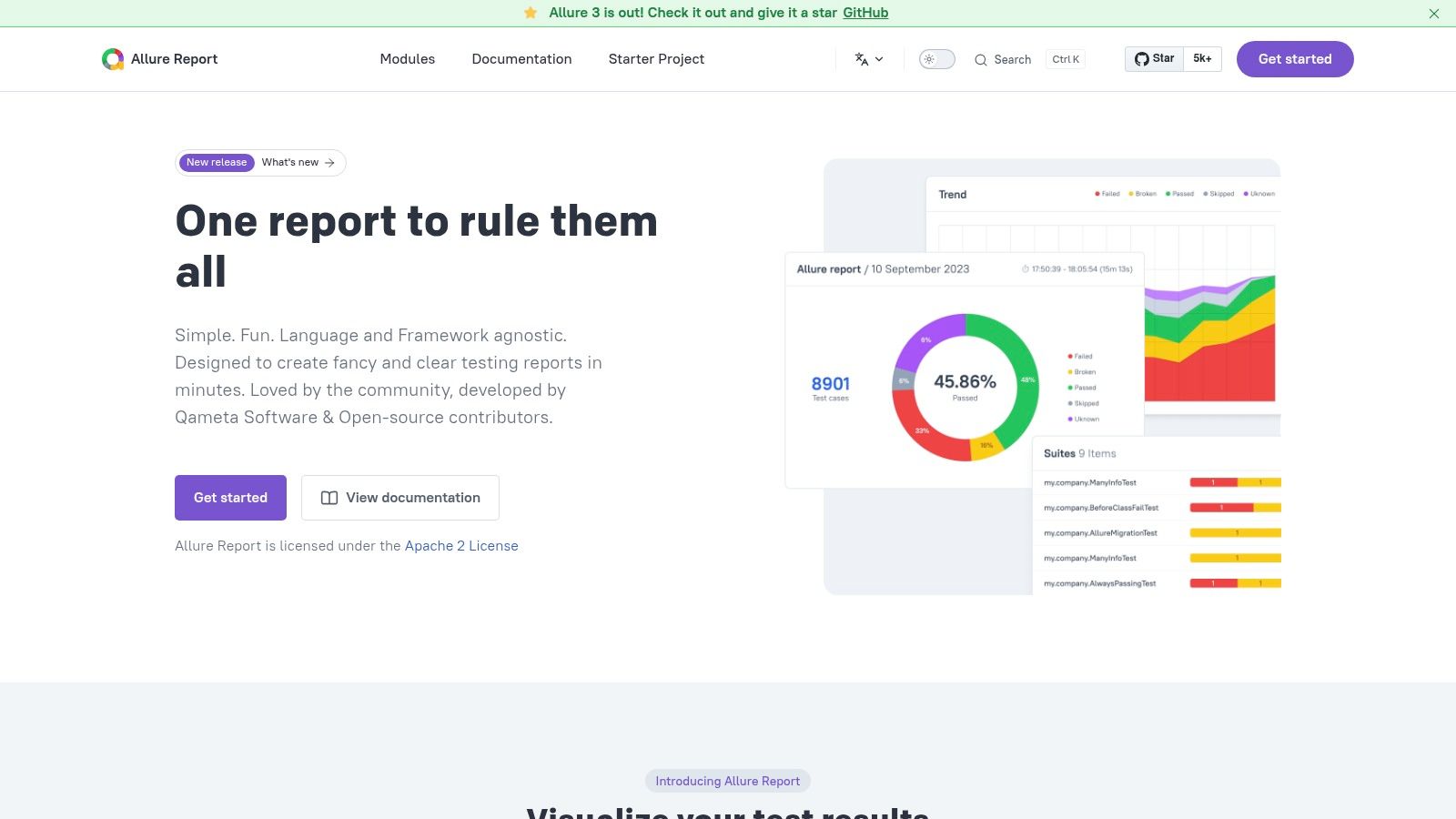
Where Allure Report fits
Allure Report works best when engineers can manage report publication, access, and retention themselves. The open-source project keeps licensing costs low, but your team still needs to decide where artifacts live and how long history remains available. It reports on tests, rather than managing test cases, assigning work, or coordinating a broader QA process.
Practical rule: Choose Allure Report when the problem is “we can't understand CI output,” not “we need a central test-management workflow.”
Teams building a maintainable automation foundation can also review this guidance on QA test automation. Move to a TestOps platform when people need shared triage, centralized history, or governance beyond individual build artifacts.
2. Allure TestOps
Allure TestOps suits teams that have outgrown standalone reports but want to stay in the Allure ecosystem. It centralizes automated and manual results from multiple frameworks and CI systems, giving QA and engineering a shared place to review launches, dashboards, and trends.
The platform adds launch management and support for flaky-test triage. That matters when teams need to track a failure beyond the pipeline log, compare results across runs, and coordinate decisions across contributors. Cloud and on-premises deployment options give organizations a choice between a managed service and hosting within their own infrastructure.
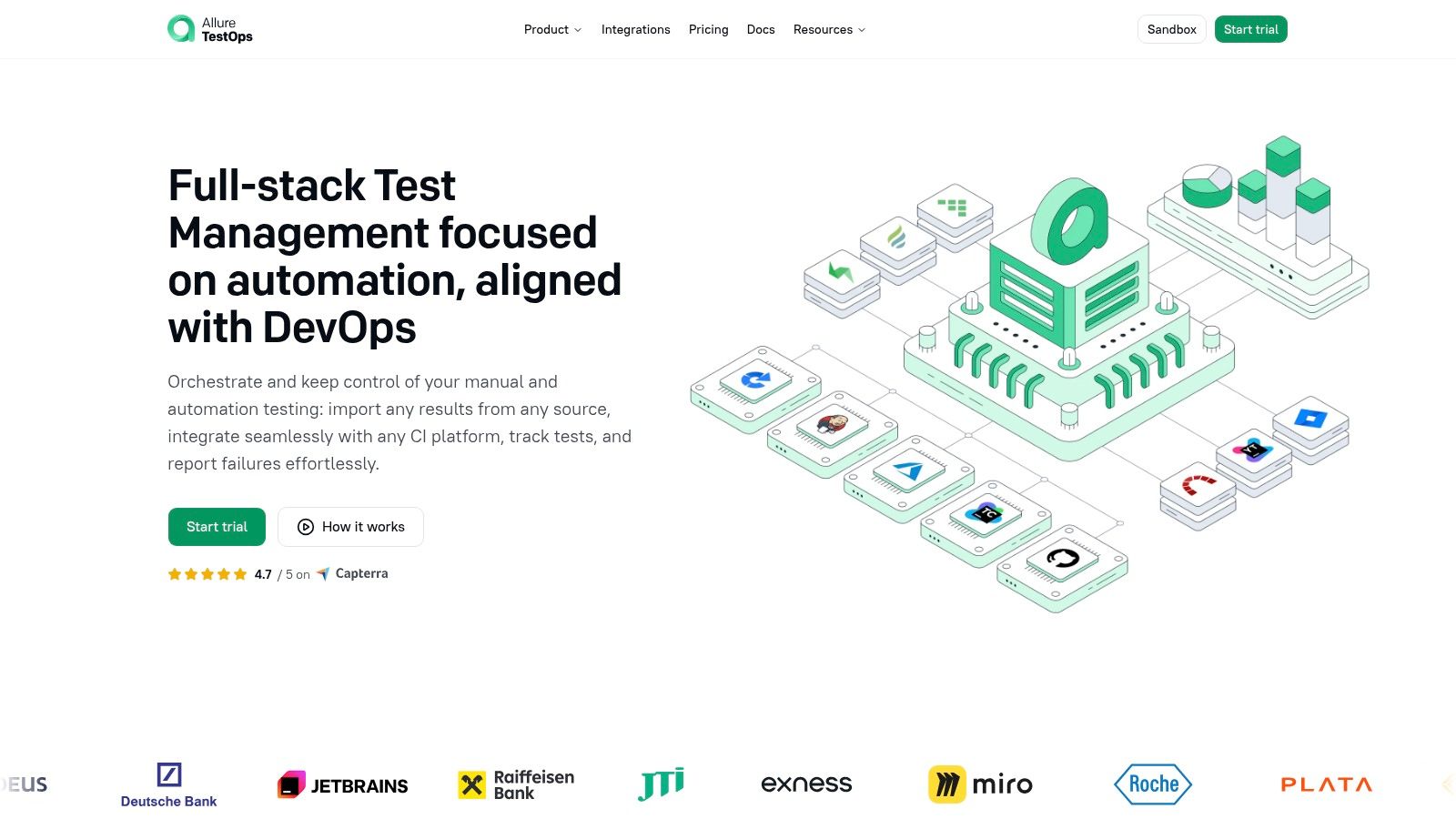
The step up from static reporting
Allure TestOps is a paid product, with listed pricing starting at $39 per user per month. Teams should verify current pricing and assess how licensing scales with their users and deployment needs. It also brings more platform operations than publishing static reports, especially for organizations responsible for managing an on-premises installation.
Choose it when Allure Report already works for your frameworks, but teams need centralized results and repeatable triage. If you're still deciding how to organize the underlying automation, test automation framework architecture can help clarify what the reporting layer needs to receive.
3. ReportPortal.io
ReportPortal.io is a strong choice for teams that want a shared, open-source platform for live test-result ingestion and failure triage. Rather than publishing a separate report after each run, teams can send results into a centralized service and review them across CI workflows.
Its dashboards and analytics support collaborative failure analysis, with machine-learning-assisted triage to help organize results. Integrations cover frameworks such as TestNG, JUnit, and PyTest, while APIs support CI/CD connections and data export. That combination makes it a practical fit for teams running tests across several projects or pipelines.
Self-hosting versus managed service
The open-source option gives teams control over hosting and data, but that control comes with operational responsibilities. Your team needs to manage the supporting databases, storage, updates, and ongoing maintenance. Paid SaaS and enterprise offerings can reduce the work of running the platform, but pricing may require evaluating tiers or requesting a quote.
Use ReportPortal.io when multiple people need to inspect failures and triage results in one place, and your team can support either the infrastructure or a paid deployment. It's a better fit for shared analysis than for teams that only need a downloadable HTML report.
4. ExtentReports
ExtentReports is a programmable reporting library for Java and .NET teams that want direct control over how test results look and what they contain. It can fit Selenium, TestNG, and BDD workflows where teams need custom HTML output with steps, categories, and rich media.
The library offers multiple reporters, including Spark and Avent, and an API for logging test details and attaching media. Teams can tailor the report's appearance, generate it offline, and archive it with build artifacts. That makes it appealing when a team wants reporting embedded in its existing code and build process rather than another centralized service.
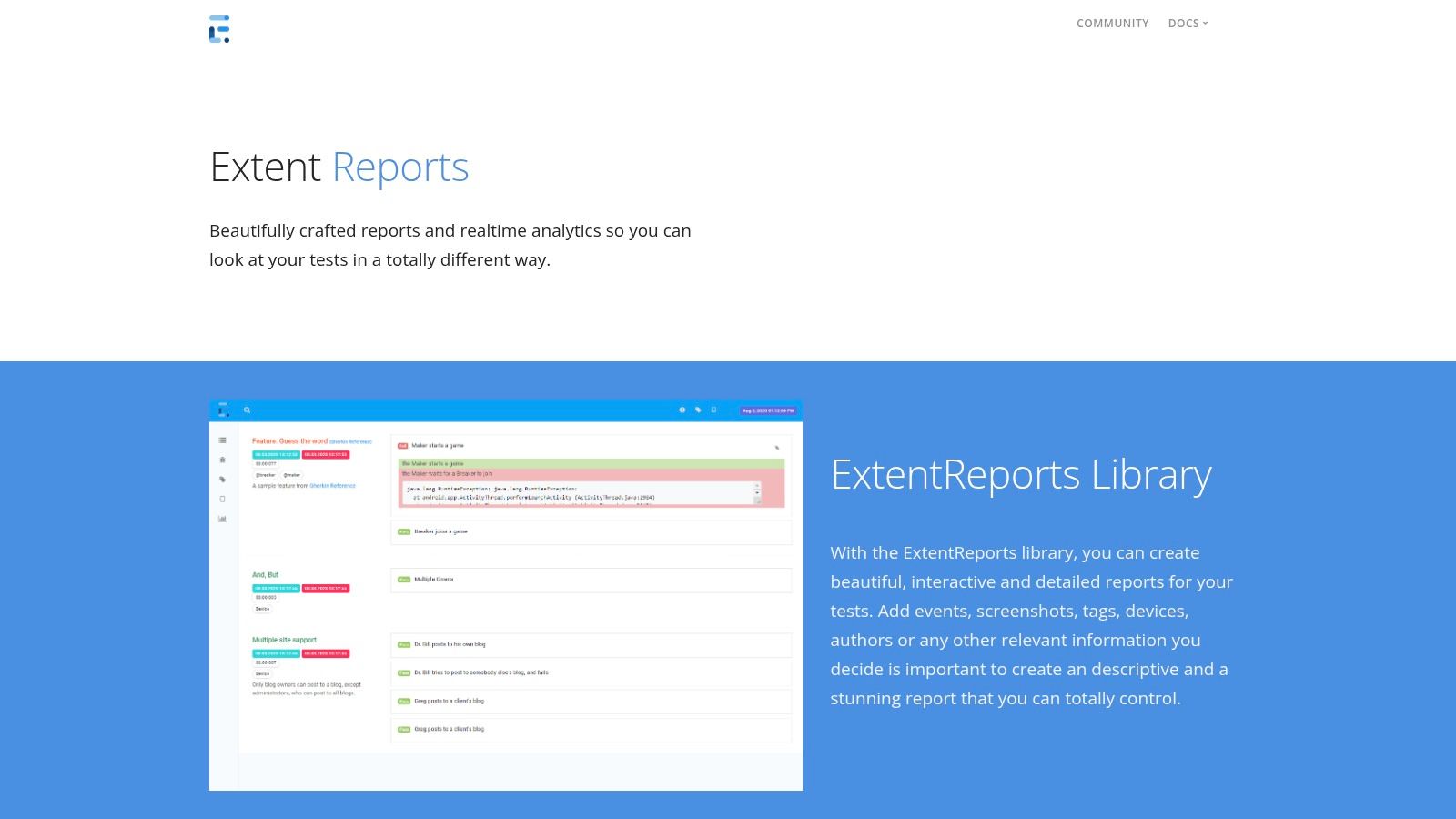
Check maintenance before adopting
The major caution is project direction. The original Java repository indicates that it's sunset and points users to a successor, so teams should confirm which project and edition match their needs before investing in a new implementation. Professional features also require a paid edition.
ExtentReports is most appropriate when customization and offline artifacts matter more than centralized history, live collaboration, or platform-level governance. If you need a reporting library, evaluate maintenance status as carefully as report design. If you need shared TestOps, choose a platform built around centralized results instead.
5. TestRail
TestRail is the pick when manual and automated testing need to live in the same report. It is a test-management system with built-in reporting, and automated results arrive through its CLI or API, so QA leads get one view of test runs, coverage, milestones, and workload instead of two disconnected channels.
The report catalog covers run health and automation tracking, with scheduling and sharing options for stakeholders. CI and issue-tracker integrations connect execution evidence to delivery workflows. That matters when release sign-off still depends on manual regression results sitting next to CI output.
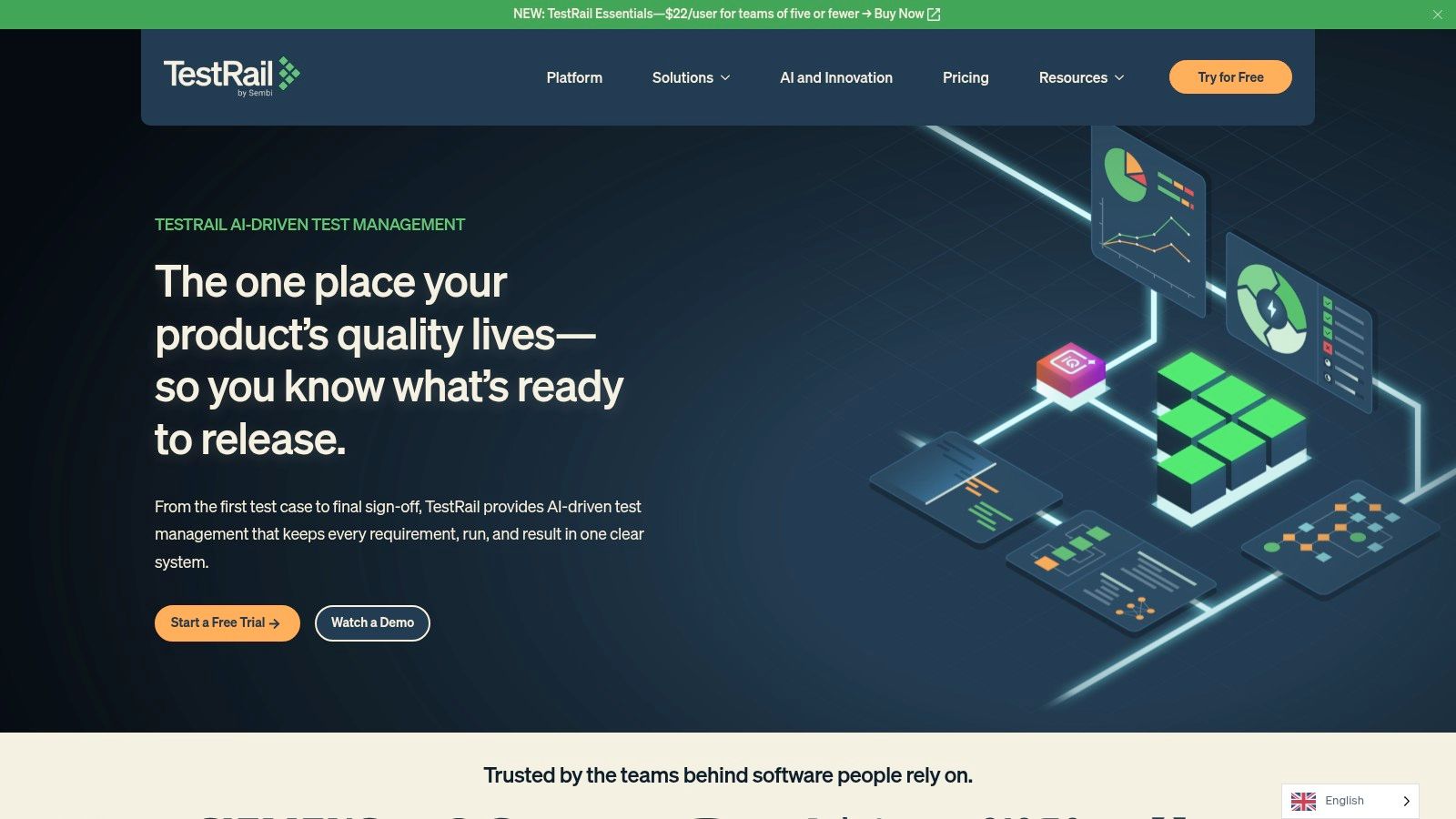
Stronger for coordination than deep analytics
TestRail's strength is the established test-management workflow around its reports, and analytical depth. Teams that want flaky-test trends or failure clustering will find those views thinner than on specialized TestOps platforms. It is also commercial per-seat software, so price out everyone who needs access before rolling it out across a department.
Choose TestRail when managing cases, runs, and shared reporting outweighs analytics ambition. Teams still defining framework boundaries can use this guide to test automation framework architecture to decide which result formats TestRail should receive through its CLI and API, and who owns each upload.
6. Tricentis qTest
Tricentis qTest is designed for larger organizations that need test governance and reporting across teams, tools, and programs. Its Insights dashboards provide analytics, while Jira integration and automated-test orchestration help connect execution with broader enterprise workflows.
The platform's enterprise focus is useful when leaders need a shared view of testing activity across a varied toolchain. SSO, ecosystem connectors, and enterprise deployment support organizations that need identity management and standardized processes. qTest can help bring results from separate teams into a more coordinated reporting model rather than leaving each group to maintain its own dashboard.
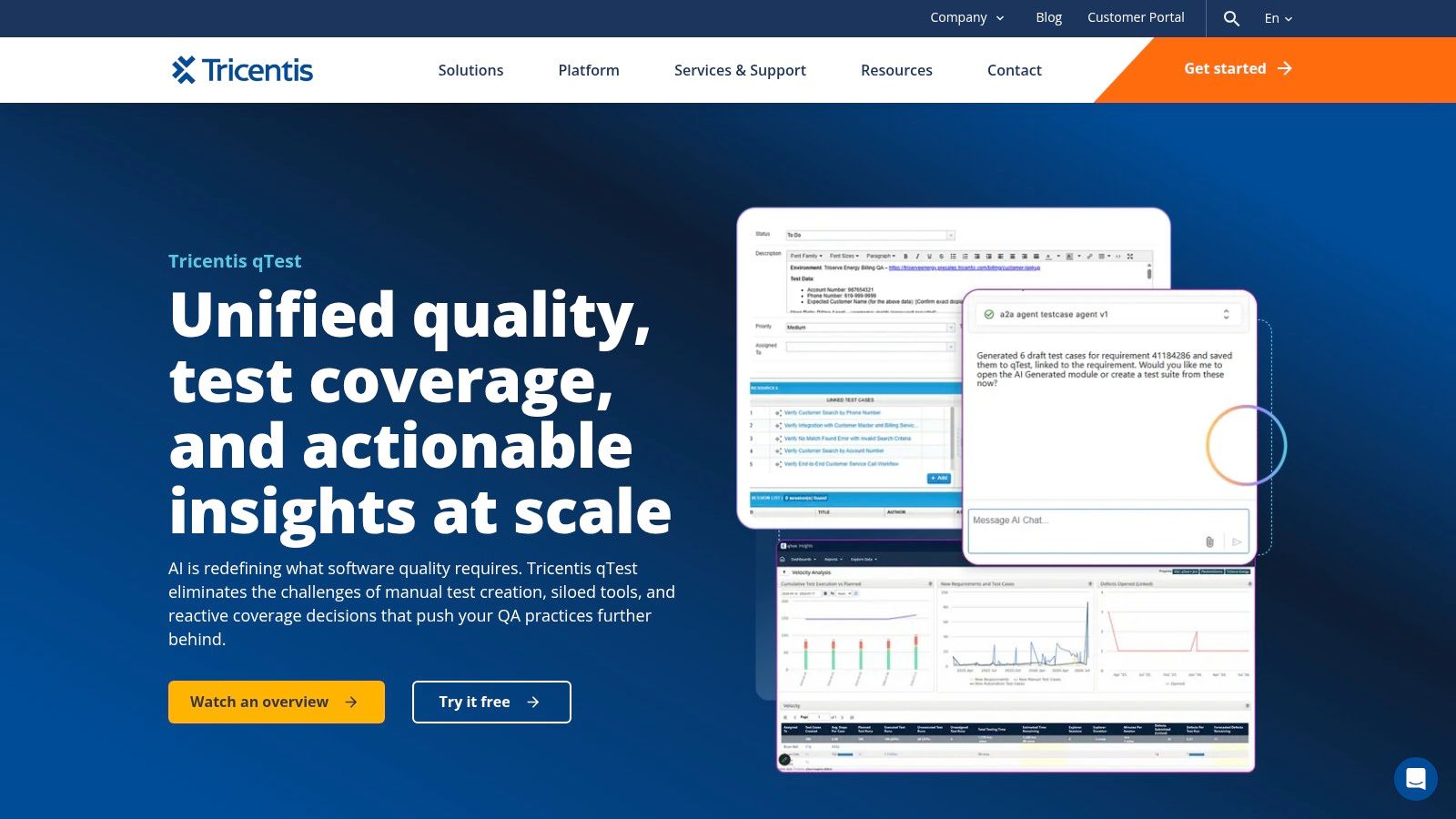
Plan for governance and administration
The trade-off is operational weight. Enterprise-grade pricing may be substantial, and onboarding, permissions, integrations, and administration need clear ownership. A small team with one CI pipeline is unlikely to benefit from that overhead; a large program with multiple teams and reporting requirements may.
Pick qTest when centralized governance and cross-team visibility justify a dedicated platform. Before committing, map which teams will use it, what data each pipeline must send, and who will maintain integrations and reporting conventions.
7. Xray, Test Management for Jira
Xray is the clearest fit when Jira is already where teams manage product work and they want testing evidence alongside issues and requirements. It supports test execution, coverage, and traceability reports, and it can import automation results through CI integrations.
Keeping tests and Jira issues in the same environment can make it easier for product, QA, and engineering to connect requirements with execution outcomes. Xray offers Cloud and Data Center editions, with enterprise add-ons available for more advanced needs. Its Marketplace distribution also gives Jira teams a familiar adoption path.
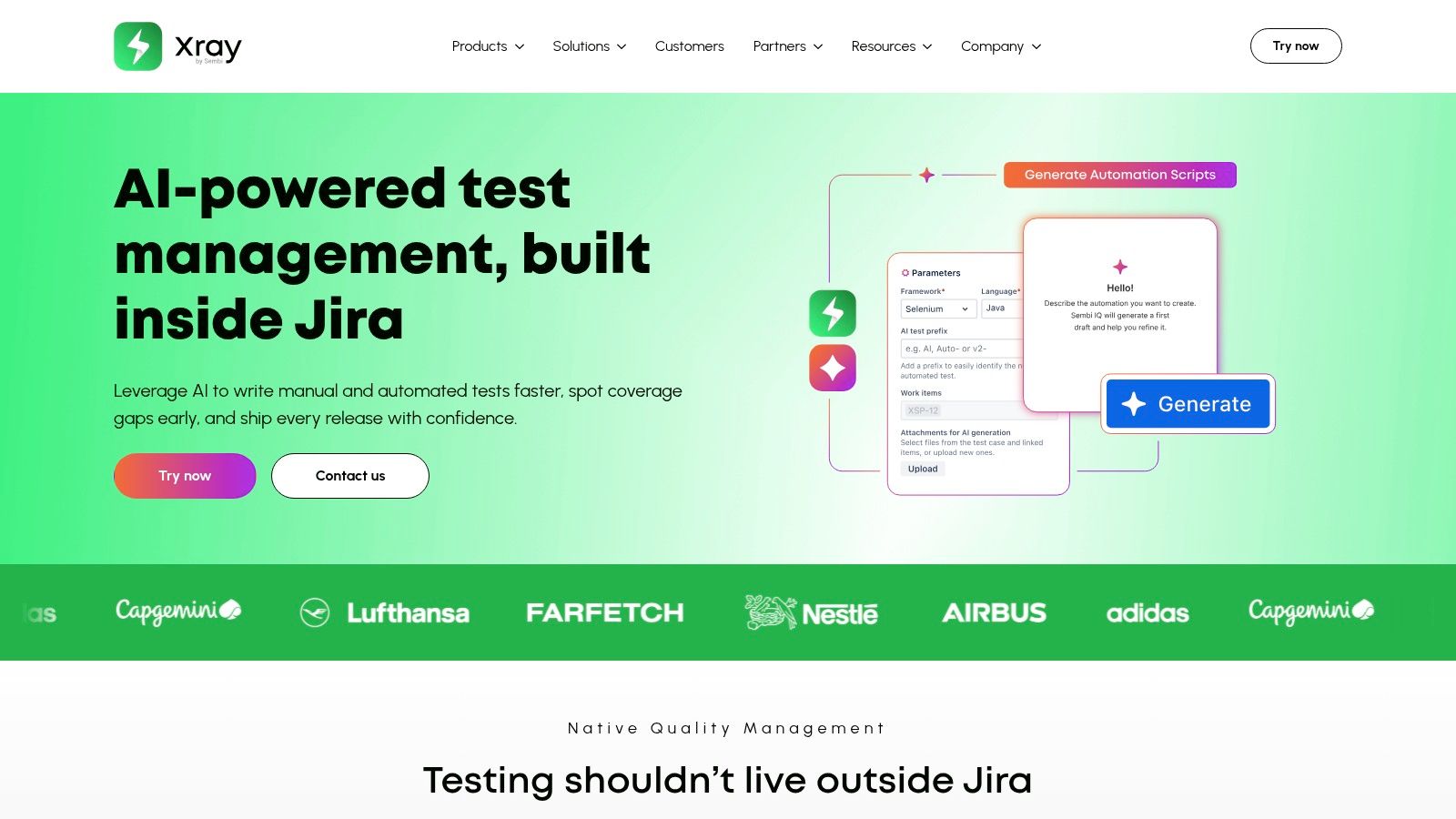
Jira alignment has a pricing consequence
Xray's main strength is also its main dependency: it's built around Jira. Pricing scales with the total number of Jira users, not only QA users, so assess the cost against your organization's Jira user base. Marketplace tiers and edition choices also need careful sizing.
Choose Xray when Jira traceability is a requirement, not just a preference. If your organization doesn't use Jira broadly, a standalone reporting or TestOps product may avoid unnecessary coupling and licensing complexity.
8. SmartBear Zephyr
SmartBear Zephyr offers different adoption paths for teams that want Jira-embedded reporting or organization-wide aggregation. Scale and Squad are Jira-centric editions, while Enterprise is a standalone option intended for broader organizational use.
The product provides dashboards, automation aggregation, and framework integrations. Teams can choose a Jira-based edition to keep reporting near issues and test work, or evaluate Enterprise when results need to be consolidated beyond a Jira project. That edition range makes Zephyr relevant to organizations whose reporting needs differ across teams.
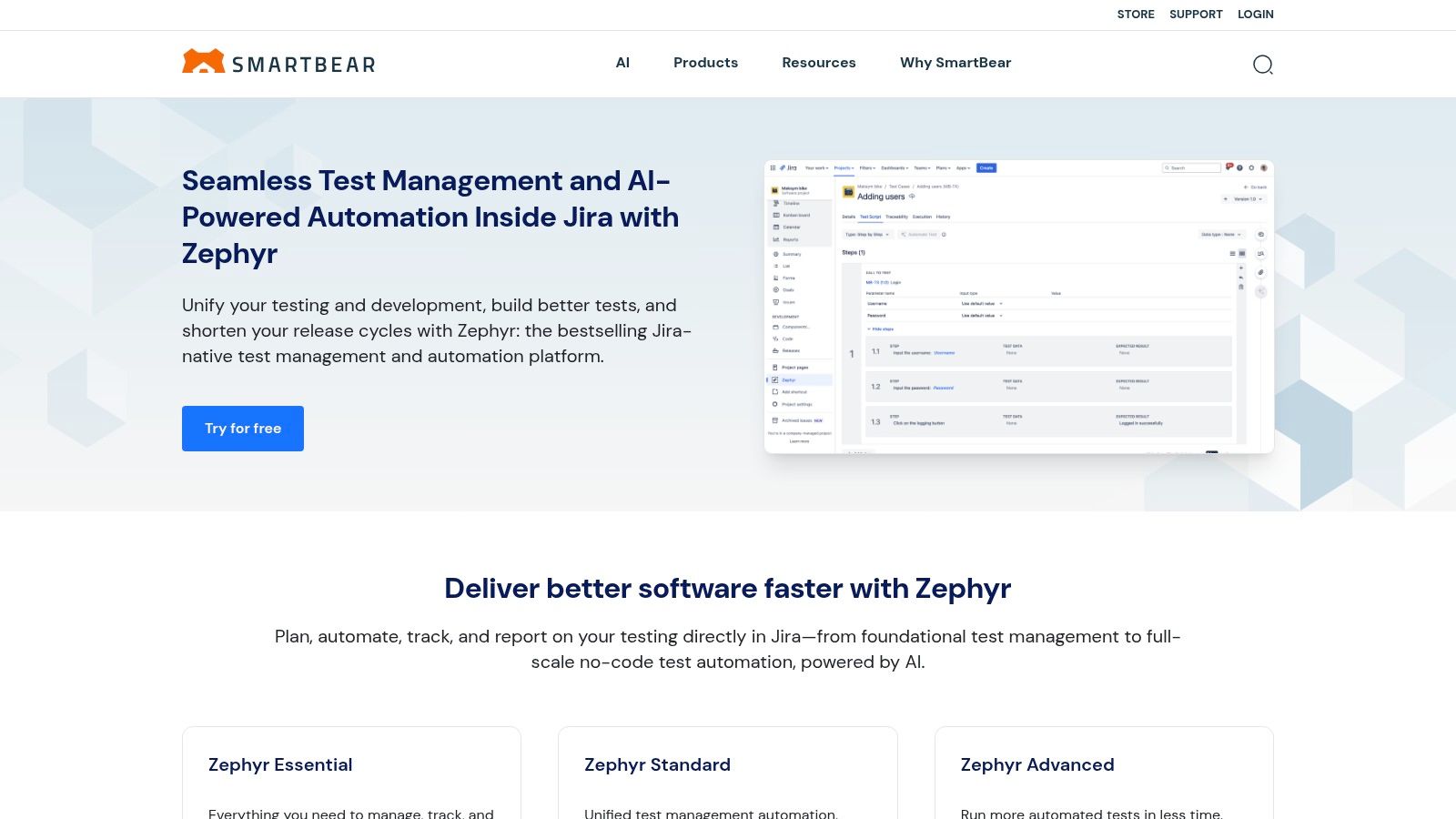
Match the edition to the operating model
Zephyr's flexibility requires a deliberate choice about where test data should live. Jira editions use Marketplace pricing that scales with Jira user counts, while Enterprise pricing requires contacting sales. Confirm whether your team needs Jira-level reporting or organization-wide aggregation before comparing costs and integrations.
Choose Zephyr when its edition structure matches how your teams already work and when SmartBear's broader ecosystem is relevant. Don't treat the editions as interchangeable: compare the administration model, integration needs, and pricing basis for the specific product you're evaluating.
9. Katalon TestOps
Katalon TestOps is a practical fit for teams already using the Katalon Platform and looking to centralize execution reporting. It consolidates data from Katalon-created tests and external automated tests, providing dashboards and run histories alongside flaky-test analysis and release-readiness views.
CI integrations feed test-execution data into the platform, where teams can review outcomes and trends. Governance and data or AI options are available across the broader platform. Cloud and enterprise packaging gives organizations deployment choices, but the value is strongest when TestOps connects naturally to the rest of their Katalon workflow.
A platform fit, not just a dashboard choice
Katalon TestOps integrates closely with Katalon Studio, KRE, and common CI providers. Teams using those tools can gain a more connected reporting workflow than they would from a standalone artifact generator. Teams using a different testing ecosystem should verify how external frameworks and result formats fit their requirements.
Full capabilities typically require broader Katalon Platform licensing, and pricing or packaging may require contacting Katalon. Choose it when you want reporting and analytics within the Katalon environment. If you only need a neutral report viewer, compare the platform commitment against a lighter reporting option.
10. Datadog CI Visibility, Test Visibility
Datadog CI Visibility is the best fit when test results need to sit alongside existing pipeline and service observability data. Its test-visibility features surface slow and flaky tests, failure trends, and per-commit quality signals within the Datadog environment.
Test-run views can connect test results with CI pipelines and service telemetry. Language agents support auto-instrumentation for common test runners, which can simplify collection for teams already using Datadog. This is useful when engineers need to investigate whether a test failure aligns with a pipeline problem or a wider service signal.
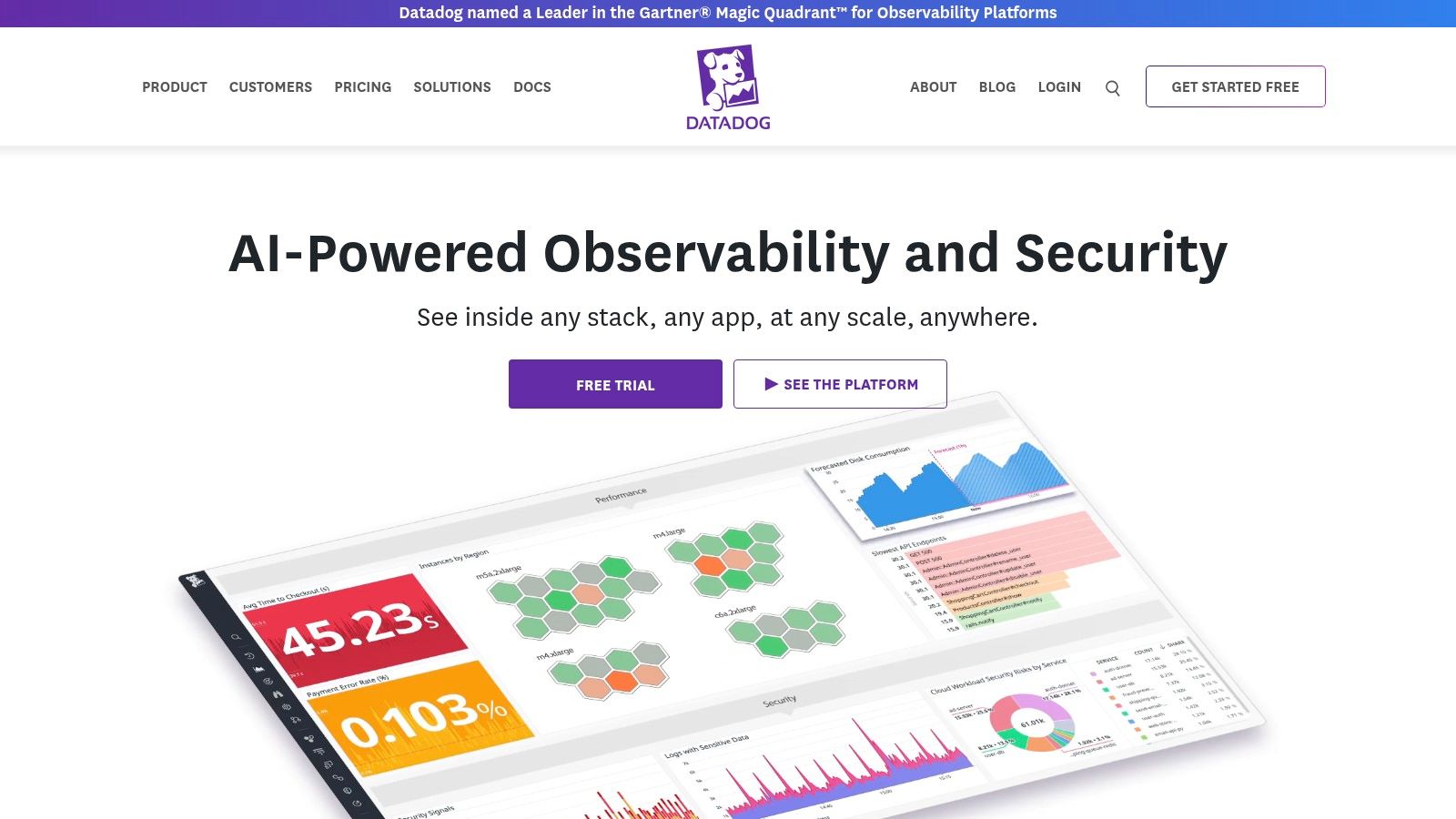
Correlated signals, with usage to manage
Datadog's advantage is that test analytics can live beside performance and infrastructure signals. That can reduce context switching for teams already working in Datadog, but it's a weaker reason to adopt the platform if your organization doesn't use its observability tools.
Modular pricing can add up, so monitor usage and verify current pricing terms directly with Datadog. Choose CI Visibility when correlation with service telemetry is a core reporting need, not just because you want a test dashboard. Teams defining their pipeline strategy can also review this guide to what a CI/CD pipeline is.
Top 10 Test Automation Reporting Tools: Feature Comparison
| Tool | Core Capability | Standout Feature | Best Fit | Value / Price |
|---|---|---|---|---|
| Allure Report | Interactive test-result dashboards | ✨ Attachments, flaky-test history, CI-publishable reports | 👥 Teams wanting lightweight, framework-agnostic reporting | 💰 Free, open source; hosting and history are self-managed |
| Allure TestOps | Centralized test results and TestOps | ✨ Launch management, flaky-test triage, cloud or on-premises | 👥 Teams outgrowing standalone Allure reports | 💰 From $39/user/month |
| ReportPortal.io | Live reporting, analytics, and collaborative triage | ✨ ML-assisted failure analysis | 👥 Teams needing shared dashboards across CI workflows | 💰 Open source; SaaS and enterprise pricing vary |
| ExtentReports | Customizable HTML reporting library | ✨ Code-level control and rich-media reports | 👥 Java/.NET teams using Selenium, TestNG, or BDD | 💰 Free options; paid professional features; original Java repository is sunset |
| TestRail | Test management with automated-result reporting | ✨ Combines manual and automated test outcomes | 👥 Teams tracking runs, coverage, and milestones together | 💰 Commercial per-seat pricing |
| Tricentis qTest | Enterprise test management and analytics | ✨ Orchestration, Jira integration, and enterprise connectors | 👥 Large organizations managing testing across teams | 💰 Enterprise pricing; contact vendor |
| Xray | Jira-native test management and reporting | ✨ Requirement traceability within Jira | 👥 Teams standardized on Atlassian | 💰 Paid tiers; pricing scales with Jira user count |
| SmartBear Zephyr | Test management and reporting across editions | ✨ Jira-based or standalone options | 👥 Jira-centric teams and organizations needing broader aggregation | 💰 Marketplace pricing or enterprise quote |
| Katalon TestOps | Execution analytics and release-readiness views | ✨ Flaky-test analysis and Katalon integration | 👥 Teams already using Katalon tools | 💰 Packaging and pricing vary; contact vendor |
| Datadog CI Visibility | Test analytics correlated with CI and telemetry | ✨ Slow/flaky-test signals alongside service data | 👥 Teams already using Datadog | 💰 Usage-based, modular pricing; verify current rates |
Choose Reporting That Improves the Next Release
The right test automation reporting tool should make the next engineering decision easier, not produce a longer dashboard. Start with Allure Report when your immediate need is clear CI evidence and your team can host and retain artifacts. Choose ReportPortal.io or Allure TestOps when shared triage, history, and collaboration have become part of daily test operations.
Use TestRail when manual and automated outcomes need to live in one test-management workflow. Choose Xray or Zephyr when Jira alignment and traceability matter, and qTest when enterprise governance across teams and toolchains justifies the added administration. Datadog CI Visibility fits teams that already rely on Datadog and want test results correlated with pipeline and service telemetry.
Don't judge a reporting platform by how many charts it offers. A 2025 global State of Testing survey covering more than 2,700 practitioners found that 61% still used execution count and pass rate as primary quality metrics, while only 19% tracked escaped defects. The survey report highlights the difference between reporting activity and measuring whether testing helps prevent defects. A useful dashboard should connect results to coverage, failure recurrence, defect linkage, and business-critical journeys.
Treat retries with care, too. A pass after a retry isn't equivalent to a clean first-run pass, and teams need reports that preserve both outcomes. Research on flaky tests has also shown that instability can persist for a long time and that many flaky tests are present from the time they're written, which is why longitudinal flaky-test research supports keeping test history rather than relying on the latest run alone.
For teams that need a high-signal automation system built across CI/CD, AskYourQA can help map critical user journeys, design maintainable test coverage, and connect reporting to release-readiness decisions. Choose the tool that matches your infrastructure and the decisions your teams need to make, then define which evidence every pipeline run must retain.
AskYourQA designs and implements test automation systems that connect functional, API, mobile, AI, security, and performance testing with CI/CD reporting. If you need clearer visibility into coverage, risk, and release readiness, visit AskYourQA to discuss an automation approach built around your critical user journeys.